Coordination between spec and model for Revit, Archicad & Vectorworks.
NBS Plug-ins
Connect NBS Chorus specification information with your model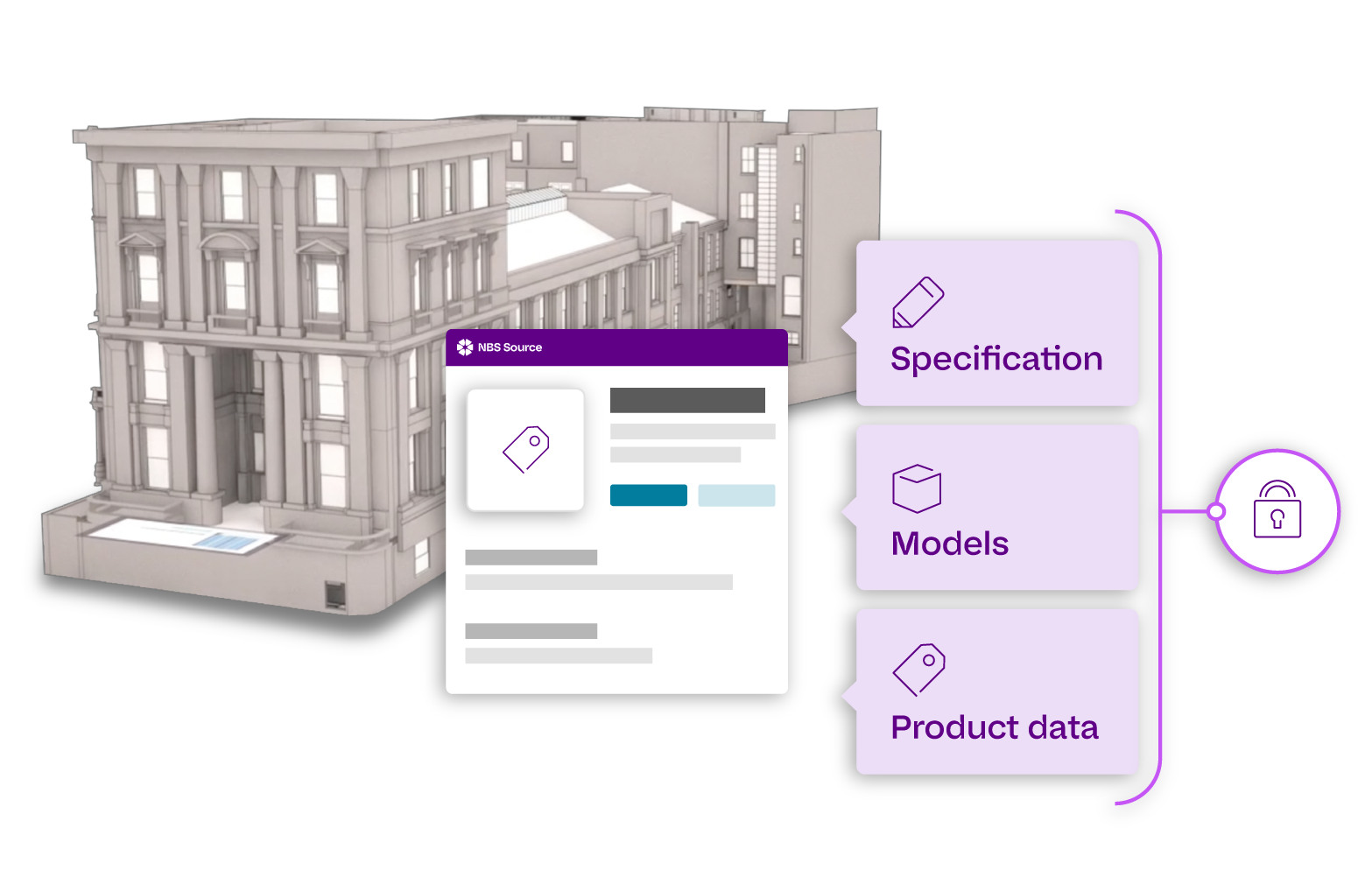
Choose your plug-in
NBS plug-ins address the issues associated with traditional methods of co-ordinating drawing information with specifications, ensuring the currency of the data being used and that frequent changes in drawn information or the specification don’t result in model references becoming out of date.
Autodesk Revit
Develop model information alongside NBS Chorus specifications using the Autodesk Revit plug-in. Add key references to object properties, identify changes and errors, and keep design and specification information better coordinated throughout every stage of the project.

Bentley
Connect OpenBuildings Designer with NBS Chorus through the Bentley plug-in. Develop model and specification information in parallel, embed key references within object properties, and spot inconsistencies earlier for accurate, efficient and coordinated project delivery.
Graphisoft Archicad
Link Archicad models directly with NBS Chorus specification content using the Graphisoft add-on. Build models and specifications together within a coordinated workflow, helping teams reduce duplication, improve accuracy and maintain clearer, more consistent project information.
Vectorworks
Bring Vectorworks design information together with NBS Chorus specifications through the dedicated plug-in. Coordinate model data and specification content more effectively, strengthen consistency across project information and reduce the risk of omissions or conflicting details.
Additional integration options

NBS Chorus
NBS Chorus Designer
NBS can provide access for users who mainly coordinate and synchronise model information with NBS Chorus clause references, but don’t require permissions to edit or write specification content.

plug-in alternative
Keynoting
If you use a different platform or other CAD tools, you can still cross-reference your specification information with keynotes. Find out more about using keynoting in this article.
How NBS plug-ins work
NBS plug-ins connect your model with your specification, so teams can reference the right clauses directly from their design software. This helps keep drawings, models and specifications aligned as project information develops.
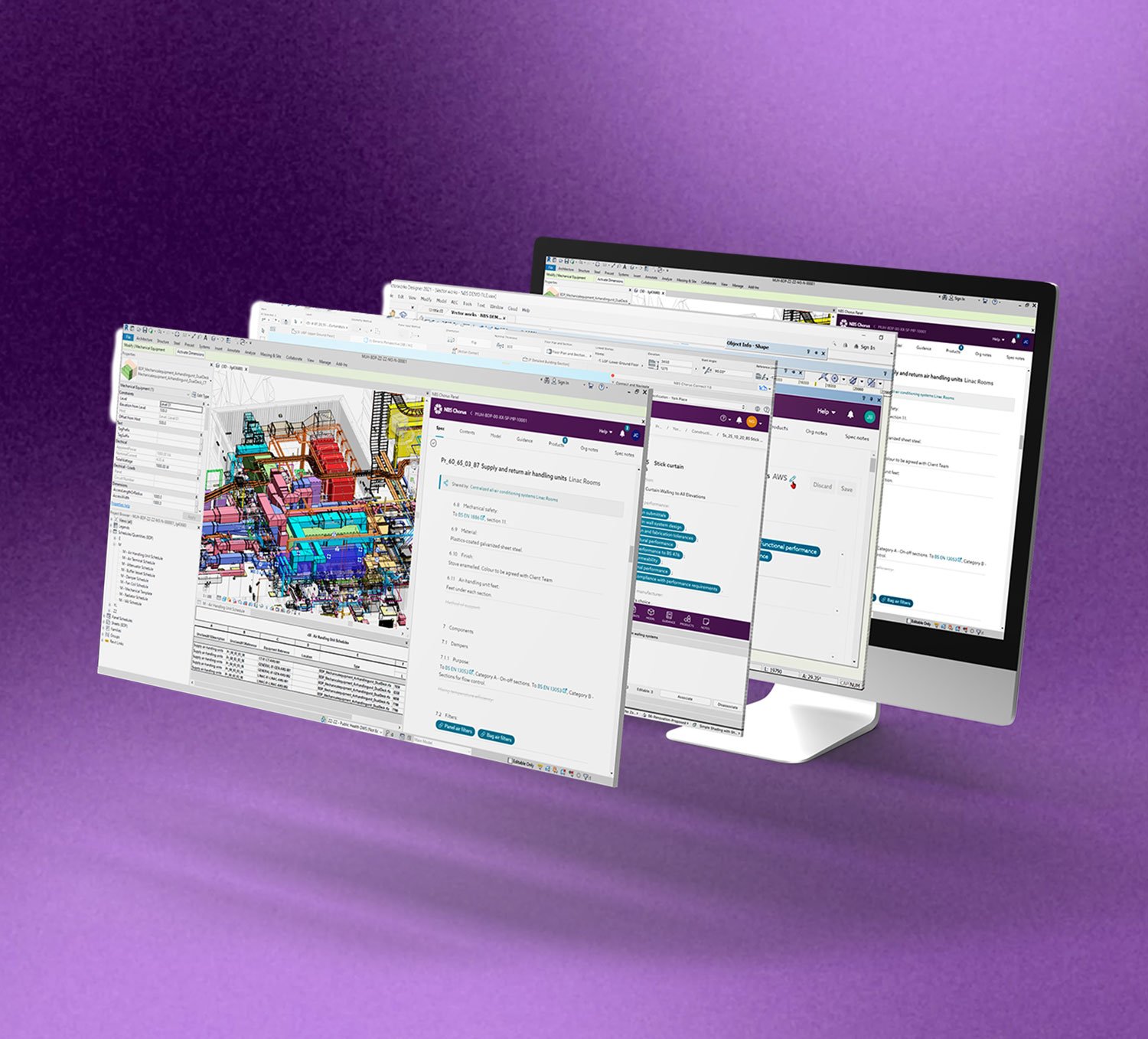
1. Connect your model to NBS Chorus
Open the plug-in from your design software and connect it to the relevant NBS Chorus project. This creates a direct link between your model and specification.
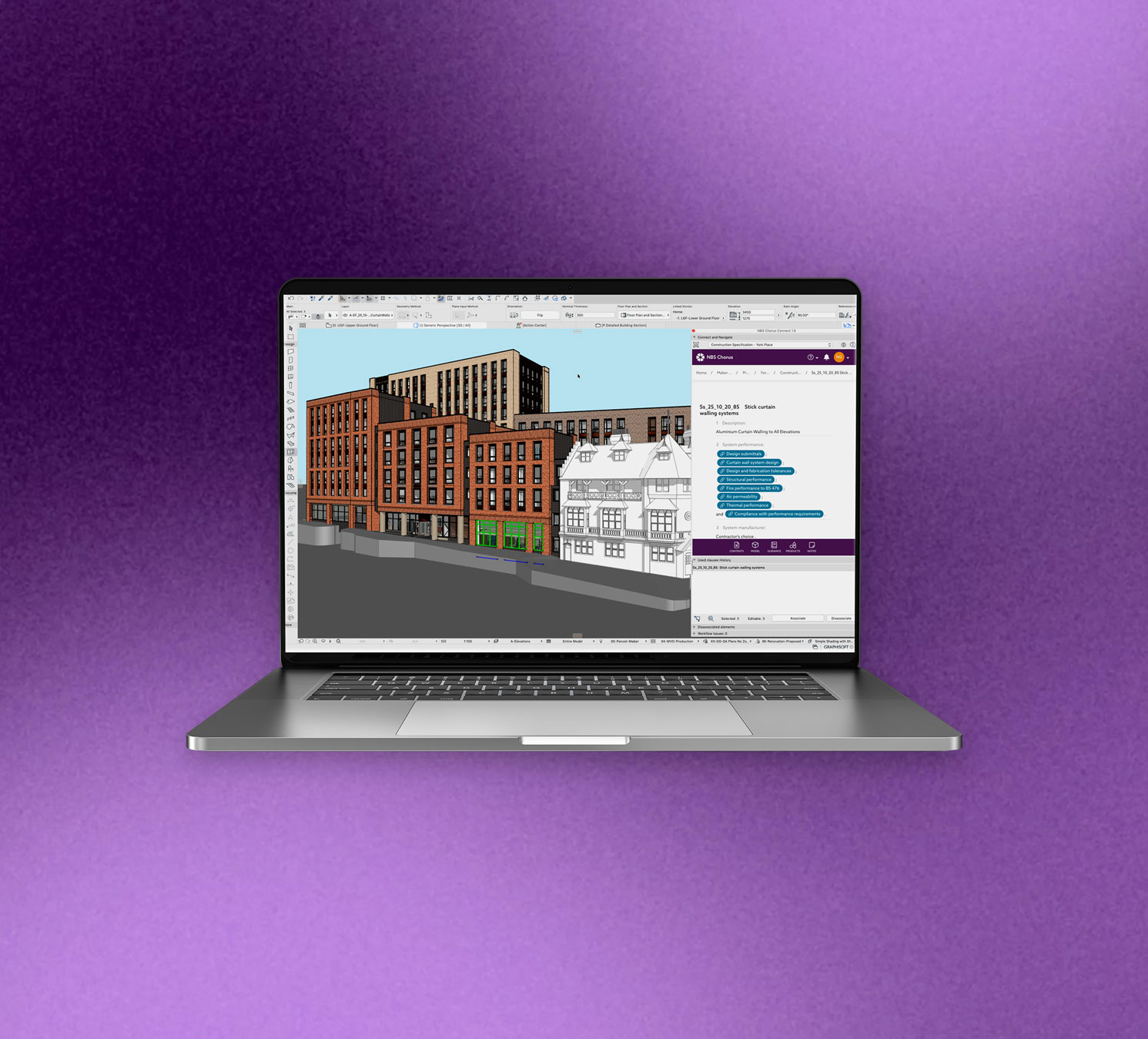
2. Add specification references
Assign NBS clause references to model objects, elements or families, helping teams understand which specification content relates to each part of the design.
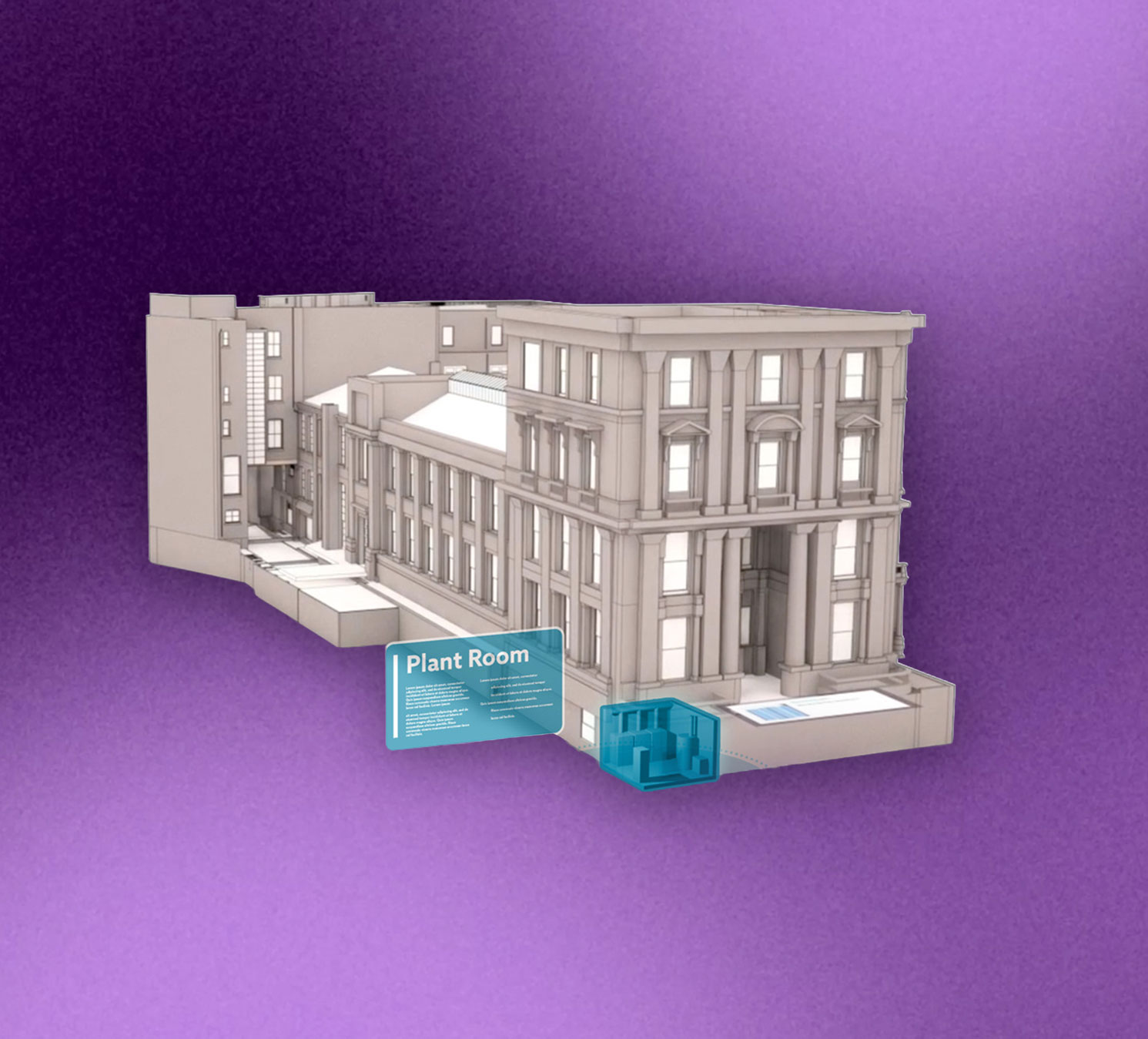
3. Coordinate changes as the project develops
As the model or specification changes, the plug-in helps teams check references and reduce the risk of outdated or inconsistent information.

4. Work in the tools your team already uses
NBS plug-ins are available for Revit, Archicad, Vectorworks and Bentley OpenBuildings Designer with keynoting options for other CAD workflows.