Here you will find all you need to know about updates and support for NBS Contract Administrator
Issue
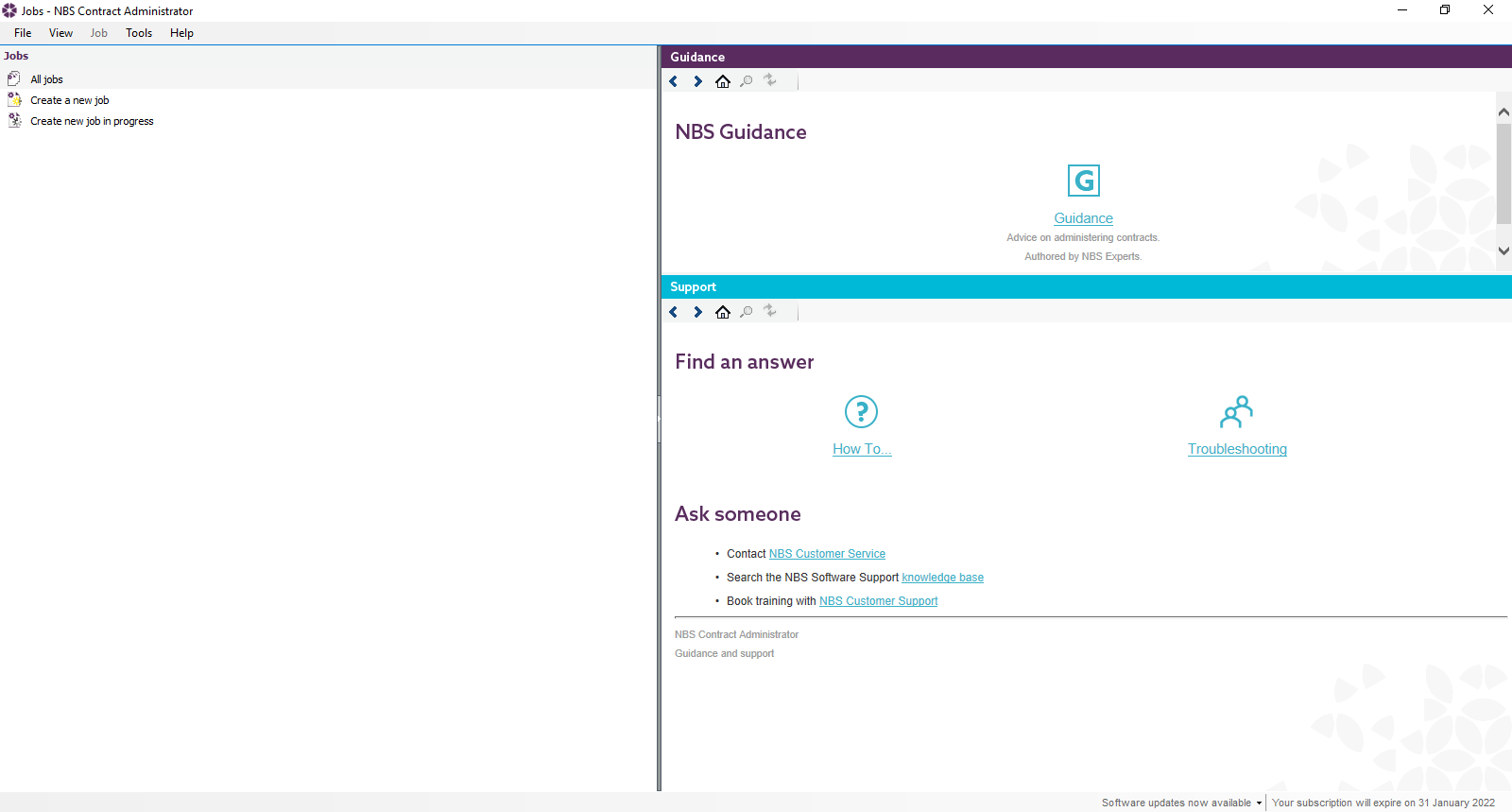
When opening NBS Contract Administrator I am not able to see any of my Jobs.
Solution
To display your jobs please follow these steps:
1. Go to Start>Regedit.
2. Navigate to HKEY_CURRENT_USER\Software\BDS Ltd.\NBS Contract Administrator\Display
3. Double click on BuilderWidth and change the value data to 500 (decimal) and press OK.
4. Repeat this for GuidanceWidth and WindowWidth.
5. Reopen NBS Contract Administrator.
Please note: You will require administrator rights to amend this setting.
If you are seeing different jobs to another user then this would indicate that your Organization is using multiple Data Stores, please browse in the one with your current jobs in via Tools>Options>File Locations>Data Store Location