Here you will find all you need to know about updates and support for NBS Contract Administrator
Summary
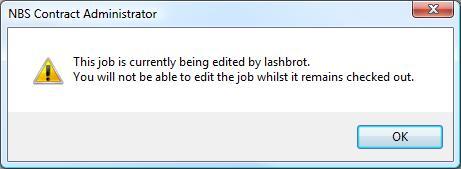
When trying to access a Job in NBS Contract Administrator, you get the following error message:
"This job is currently being edited by [name]. You will not be able to edit the job whilst it remains checked out."
Cause
Either another user has the Job open in their NBS Contract Administrator or the Job has become locked.Resolution
Ask the other user to close the Job. If the Job is still locked, follow these steps to unlock it:- Close down NBS Contract Administrator.
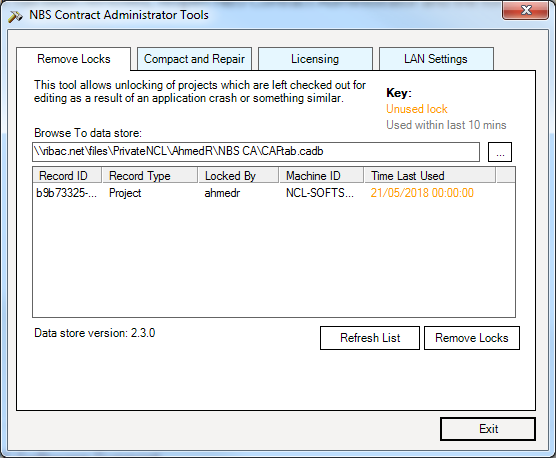
- Go to Start > Programs > NBS > NBS Tools > NBS Contract Administrator Tools.
- Highlight the Job which is locked out, and then click Remove Locks.
- Once the lock has been removed, reopen NBS Contract Administrator and the Job will be accessible.