Use NBS to develop information-rich 3D models that are fully coordinated with linked specification information
BIM
Better information management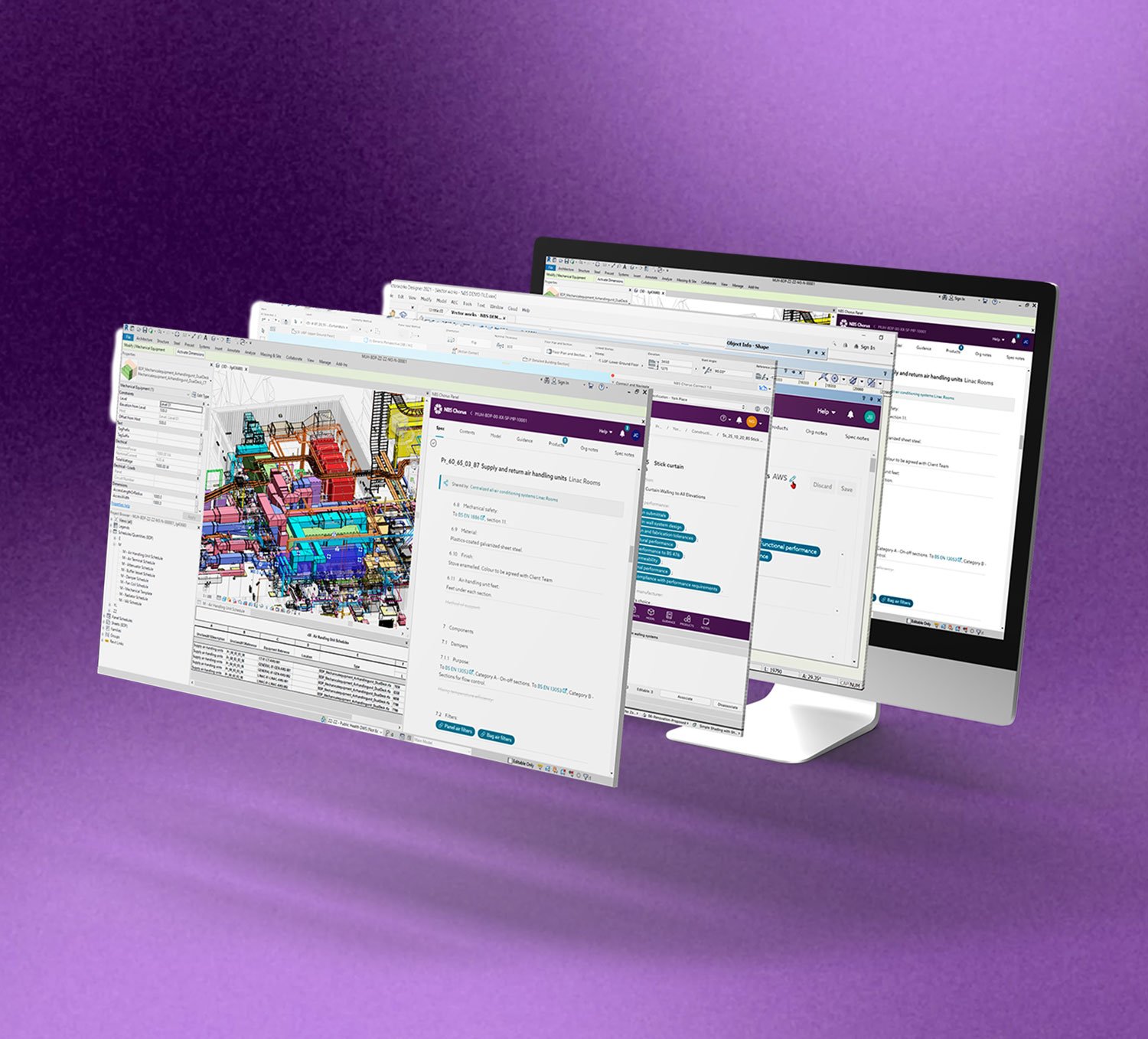
NBS BIM Library
Since 2012 NBS has developed high-quality generic and manufacturer BIM objects.
This library of objects may be accessed from within NBS Source. It is the only collection of high-quality BIM objects which is certified to meet the NBS BIM Object Standard.
Generic objects may be used early in the design process and then replaced by objects representing specified manufacturers’ products. The standardized information within the objects can then be used for data analysis and scheduling. Using BIM objects from NBS allows information to be developed during design that flows into the construction and in-use phase of the project
NBS Plug-ins
BIM plug-ins have been developed to work with NBS for Autodesk Revit, Graphisoft Archicad, Bentley OpenBuilding Designer and Nemetschek Vectorworks.
These plug-ins allow specifications developed within NBS Chorus to be fully coordinated with the objects in the design model.
The NBS plug-in for Autodesk Revit also allows designers to drag and drop the latest objects from within NBS Source directly into your model.
The NBS BIM Object Standard
The NBS BIM Object Standard is a globally recognized mark of quality and consistency.
Select and use BIM objects with confidence, knowing that you are working with objects that are in the right format, contain all the information you need and are compatible with all platforms that you work across. Using this standard ensures consistency not only for you and the people you work alongside but across the entire construction industry.
To supplement the standard, the BIM template files and the shared parameter file used by the NBS authoring team are also available to download.


NBS BIM Library
Since 2012 NBS has developed high-quality generic and manufacturer BIM objects.
This library of objects may be accessed from within NBS Source. It is the only collection of high-quality BIM objects which is certified to meet the NBS BIM Object Standard.
Generic objects may be used early in the design process and then replaced by objects representing specified manufacturers’ products. The standardized information within the objects can then be used for data analysis and scheduling. Using BIM objects from NBS allows information to be developed during design that flows into the construction and in-use phase of the project
NBS Plug-ins
BIM plug-ins have been developed to work with NBS for Autodesk Revit, Graphisoft Archicad, Bentley OpenBuilding Designer and Nemetschek Vectorworks.
These plug-ins allow specifications developed within NBS Chorus to be fully coordinated with the objects in the design model.
The NBS plug-in for Autodesk Revit also allows designers to drag and drop the latest objects from within NBS Source directly into your model.
The NBS BIM Object Standard
The NBS BIM Object Standard is a globally recognized mark of quality and consistency.
Select and use BIM objects with confidence, knowing that you are working with objects that are in the right format, contain all the information you need and are compatible with all platforms that you work across. Using this standard ensures consistency not only for you and the people you work alongside but across the entire construction industry.
To supplement the standard, the BIM template files and the shared parameter file used by the NBS authoring team are also available to download.